SWAN
SWAN Design System
    OverviewDesignersDevelopersReact setupVanilla setupTokensCollaborationNewExpansion PacksDeprecationMigrationInternationalizationAI-Assisted DevelopmentThemingNew
    OverviewESLint pluginStylelint pluginSWAN OverlayCodemodsLive playground
    OverviewAccessibilityAll TokensColorCore PropsPage LayoutIconsModesResponsive SystemSpaceTypography
    OverviewAccordionAdaptive CarouselAlert BoxAnchor BarAspect RatioAvatarBannerBase TileBounded ContentBoxBreadcrumbsButtonButtonbarCalloutCardCarouselDeprecatedCheckboxCollapsibleColor SwatchesComboboxConvenience ElementsCountDate CalendarNewDate PickerNewDividerDropdownEmpty StateError BoundaryFieldsetFile DropzoneFile InputFile TileFlexBoxFluid ImageFormGridHeading (H1–H6)HiddenIcon ButtonLeft Hand NavigationLightboxNewLinkListListboxMenuModal DialogPage WrappersPaginationPipe SeparatorPopoverPrice BarPricingProgress BarProgressive ImagePromo CodeRadio ButtonRangeRatings StarsResponsive ImageSearch InputSelection SetSkeleton TextSpinnerSquare Image ContainerStandard TileStatus MessageStep IndicatorTableTabsText AreaText InputThumbnails HeroDeprecatedTime PickerNewToggle SwitchTypographyUncustomizable MarkupVisibleVisually HiddenZoom ControlsZoomable ImageNew
    OverviewButton PlacementDestructive ActionsFile UploadCommunicating System FeedbackNewDate & TimeNew
    OverviewCTAsCurrencyDate and TimeError StatesNumbersPhone Numbers
    SWAN
    SWAN Design System
      Show all code
      SWAN
      SWAN Design System
        OverviewDesignersDevelopersReact setupVanilla setupTokensCollaborationNewExpansion PacksDeprecationMigrationInternationalizationAI-Assisted DevelopmentThemingNew
        OverviewESLint pluginStylelint pluginSWAN OverlayCodemodsLive playground
        OverviewAccessibilityAll TokensColorCore PropsPage LayoutIconsModesResponsive SystemSpaceTypography
        OverviewAccordionAdaptive CarouselAlert BoxAnchor BarAspect RatioAvatarBannerBase TileBounded ContentBoxBreadcrumbsButtonButtonbarCalloutCardCarouselDeprecatedCheckboxCollapsibleColor SwatchesComboboxConvenience ElementsCountDate CalendarNewDate PickerNewDividerDropdownEmpty StateError BoundaryFieldsetFile DropzoneFile InputFile TileFlexBoxFluid ImageFormGridHeading (H1–H6)HiddenIcon ButtonLeft Hand NavigationLightboxNewLinkListListboxMenuModal DialogPage WrappersPaginationPipe SeparatorPopoverPrice BarPricingProgress BarProgressive ImagePromo CodeRadio ButtonRangeRatings StarsResponsive ImageSearch InputSelection SetSkeleton TextSpinnerSquare Image ContainerStandard TileStatus MessageStep IndicatorTableTabsText AreaText InputThumbnails HeroDeprecatedTime PickerNewToggle SwitchTypographyUncustomizable MarkupVisibleVisually HiddenZoom ControlsZoomable ImageNew
        OverviewButton PlacementDestructive ActionsFile UploadCommunicating System FeedbackNewDate & TimeNew
        OverviewCTAsCurrencyDate and TimeError StatesNumbersPhone Numbers
        • SWAN
        • Foundations
        Foundations
        Learn how Vista’s foundational elements like color, typography, spacing and grids help create a unified, flexible, and accessible visual language across all Vista experiences.
        Accessibility

        Accessibility

        Features that SWAN offers for accessibility support.

        All Tokens

        All Tokens

        A list of all SWAN tokens
        color

        Color

        Color is a crucial aspect of our visual language, conveying meaning, emphasis, and hierarchy in our product UI.
        Core props

        Core Props

        Core props usable on all SWAN components
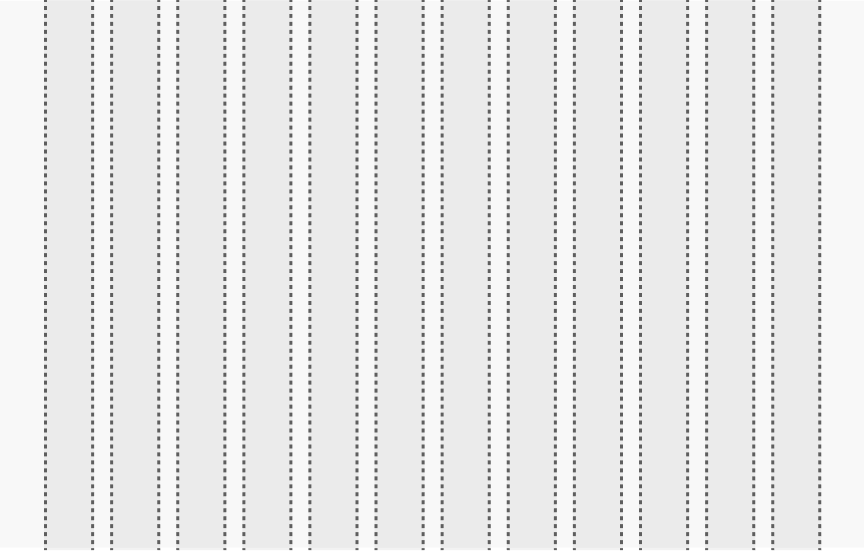
        grid layout

        Page Layout

        Building consistent page layouts using SWAN

        icons

        Icons

        Symbolic representations of concepts and actions that are intuitively recognizable to users.
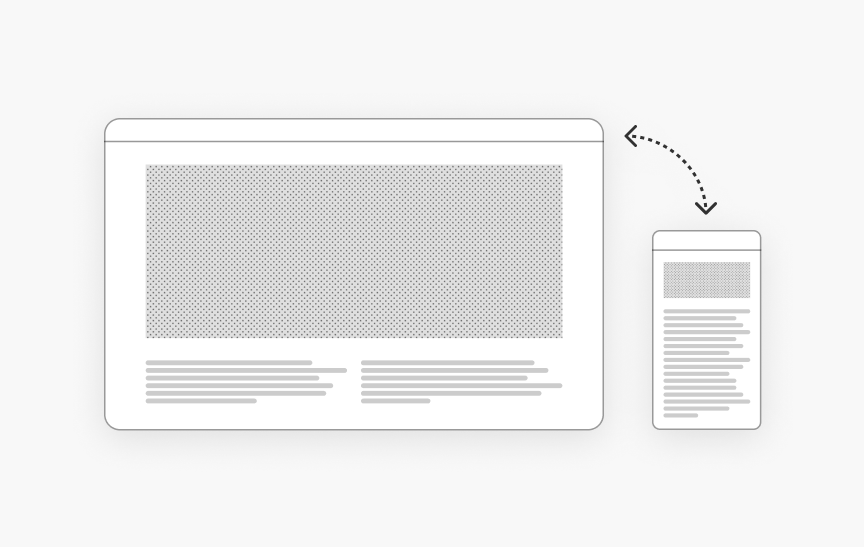
        Modes

        Modes

        Modes utilize alternate values in SWAN tokens to adjust the appearance of UI. Modes cascade through to all tokens and components used within the mode.
        Responsive System

        Responsive System

        Breakpoints and screen classes to control page layouts and components at different screen sizes
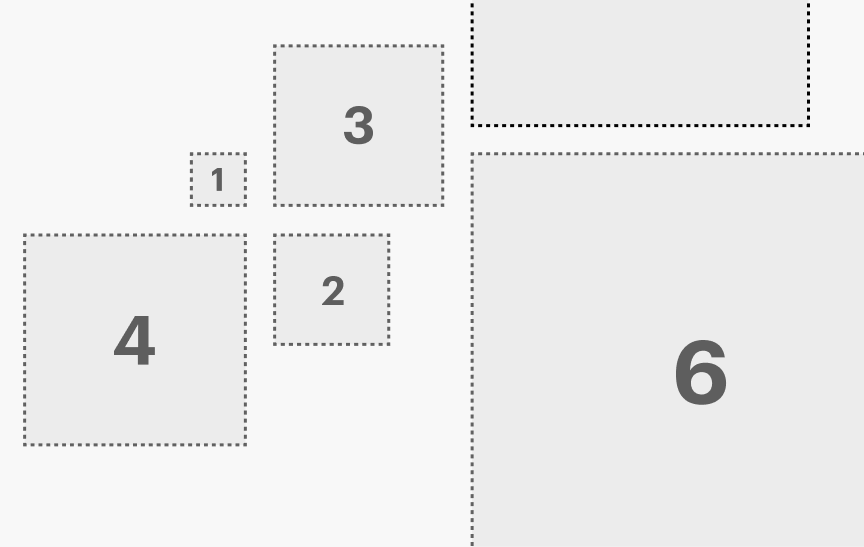
        Space

        Space

        Space is used to bring structure and hierarchy to pages. Proper spacing enhances readability, guides user flow, and creates a clean, uncluttered interface.

        Typography

        Typography

        Typography can help guide users through an experience by organizing information and creating clear visual hierarchy.
        Vista
        Terms of usePrivacy policyLegal notice