SWAN
SWAN Design System
    OverviewDesignersDevelopersReact setupVanilla setupTokensCollaborationNewExpansion PacksDeprecationMigrationInternationalizationAI-Assisted DevelopmentThemingNew
    OverviewESLint pluginStylelint pluginSWAN OverlayCodemodsLive playground
    OverviewAccessibilityAll TokensColorCore PropsPage LayoutIconsModesResponsive SystemSpaceTypography
    OverviewAccordionAdaptive CarouselAlert BoxAnchor BarAspect RatioAvatarBannerBase TileBounded ContentBoxBreadcrumbsButtonButtonbarCalloutCardCarouselDeprecatedCheckboxCollapsibleColor SwatchesComboboxConvenience ElementsCountDate CalendarNewDate PickerNewDividerDropdownEmpty StateError BoundaryFieldsetFile DropzoneFile InputFile TileFlexBoxFluid ImageFormGridHeading (H1–H6)HiddenIcon ButtonLeft Hand NavigationLightboxNewLinkListListboxMenuModal DialogPage WrappersPaginationPipe SeparatorPopoverPrice BarPricingProgress BarProgressive ImagePromo CodeRadio ButtonRangeRatings StarsResponsive ImageSearch InputSelection SetSkeleton TextSpinnerSquare Image ContainerStandard TileStatus MessageStep IndicatorTableTabsText AreaText InputThumbnails HeroDeprecatedTime PickerNewToggle SwitchTypographyUncustomizable MarkupVisibleVisually HiddenZoom ControlsZoomable ImageNew
    OverviewButton PlacementDestructive ActionsFile UploadCommunicating System FeedbackNewDate & TimeNew
    OverviewCTAsCurrencyDate and TimeError StatesNumbersPhone Numbers
    SWAN
    SWAN Design System
      Show all code
      SWAN
      SWAN Design System
        OverviewDesignersDevelopersReact setupVanilla setupTokensCollaborationNewExpansion PacksDeprecationMigrationInternationalizationAI-Assisted DevelopmentThemingNew
        OverviewESLint pluginStylelint pluginSWAN OverlayCodemodsLive playground
        OverviewAccessibilityAll TokensColorCore PropsPage LayoutIconsModesResponsive SystemSpaceTypography
        OverviewAccordionAdaptive CarouselAlert BoxAnchor BarAspect RatioAvatarBannerBase TileBounded ContentBoxBreadcrumbsButtonButtonbarCalloutCardCarouselDeprecatedCheckboxCollapsibleColor SwatchesComboboxConvenience ElementsCountDate CalendarNewDate PickerNewDividerDropdownEmpty StateError BoundaryFieldsetFile DropzoneFile InputFile TileFlexBoxFluid ImageFormGridHeading (H1–H6)HiddenIcon ButtonLeft Hand NavigationLightboxNewLinkListListboxMenuModal DialogPage WrappersPaginationPipe SeparatorPopoverPrice BarPricingProgress BarProgressive ImagePromo CodeRadio ButtonRangeRatings StarsResponsive ImageSearch InputSelection SetSkeleton TextSpinnerSquare Image ContainerStandard TileStatus MessageStep IndicatorTableTabsText AreaText InputThumbnails HeroDeprecatedTime PickerNewToggle SwitchTypographyUncustomizable MarkupVisibleVisually HiddenZoom ControlsZoomable ImageNew
        OverviewButton PlacementDestructive ActionsFile UploadCommunicating System FeedbackNewDate & TimeNew
        OverviewCTAsCurrencyDate and TimeError StatesNumbersPhone Numbers
        • SWAN
        • Patterns
        Patterns
        Patterns are reusable best practices for combining SWAN features to solve common user problems. They promote consistent and predictable UI, allowing users to apply knowledge across multiple scenarios.
        Button Placement

        Button Placement

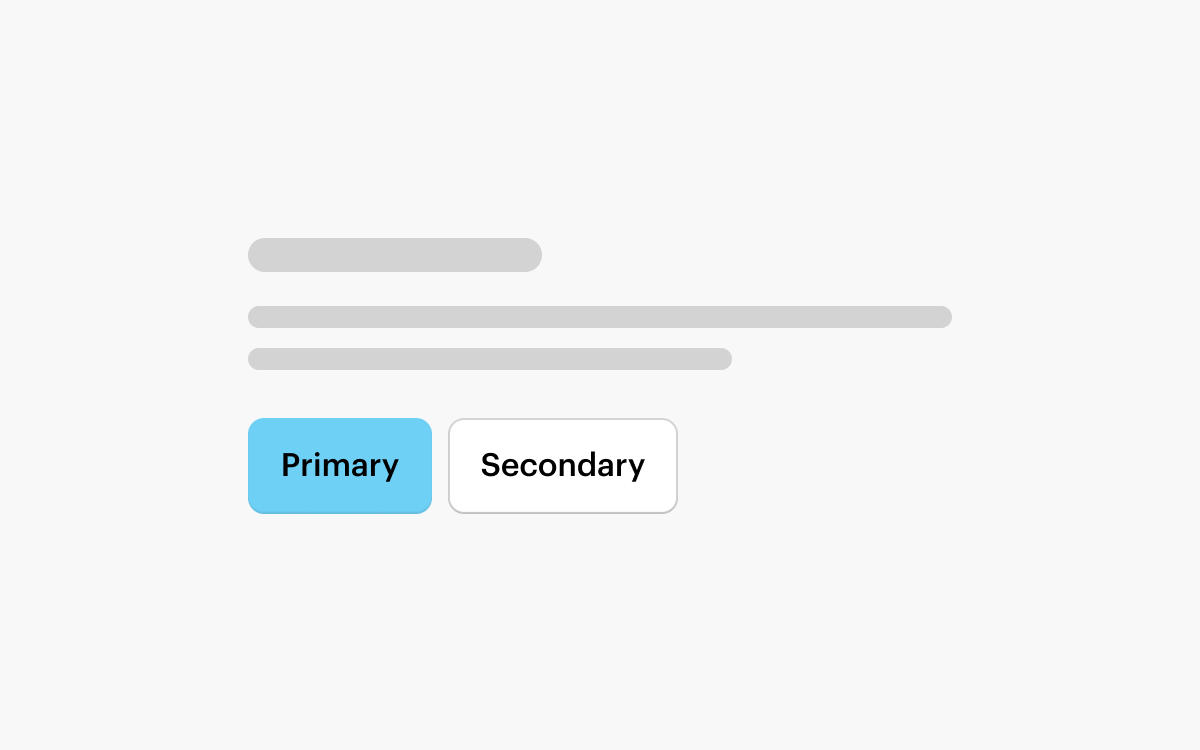
        Groups of Buttons should be left-aligned for most layouts, with the Primary Button on the left.
        Destructive Actions

        Destructive Actions

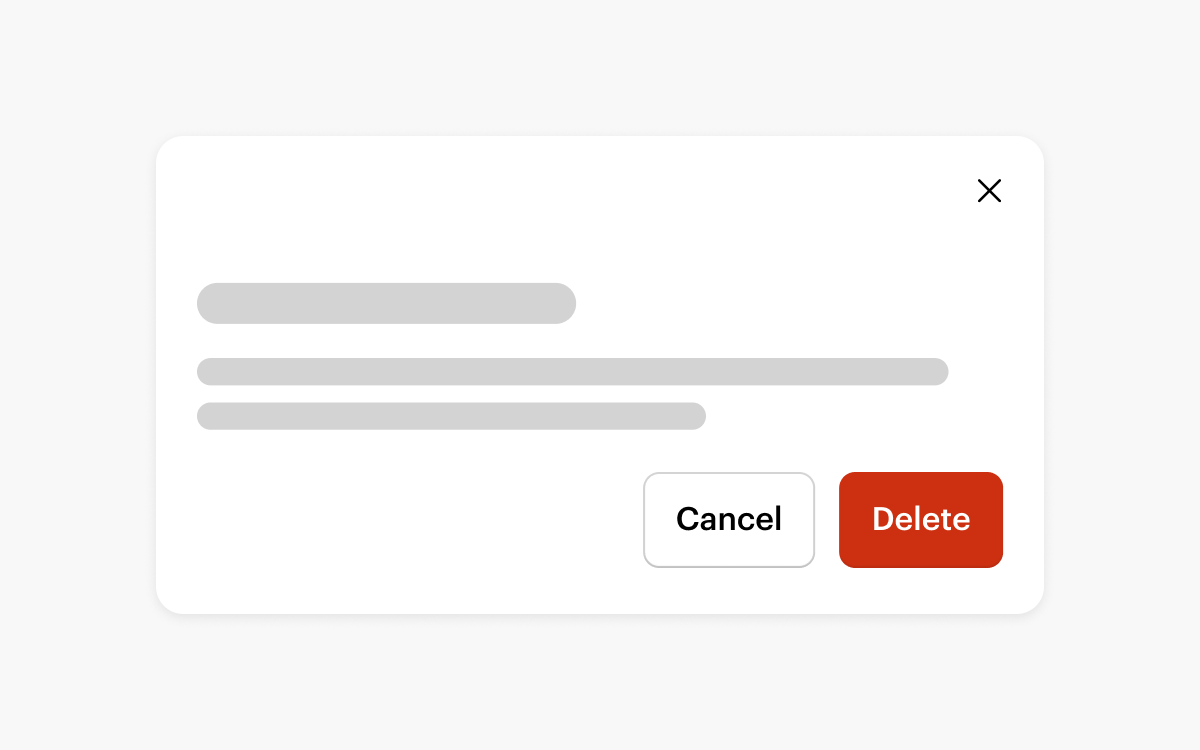
        A destructive action deletes or discards data. It should be presented to users in a way that highlights the impact of the action.
        File Upload

        File Upload

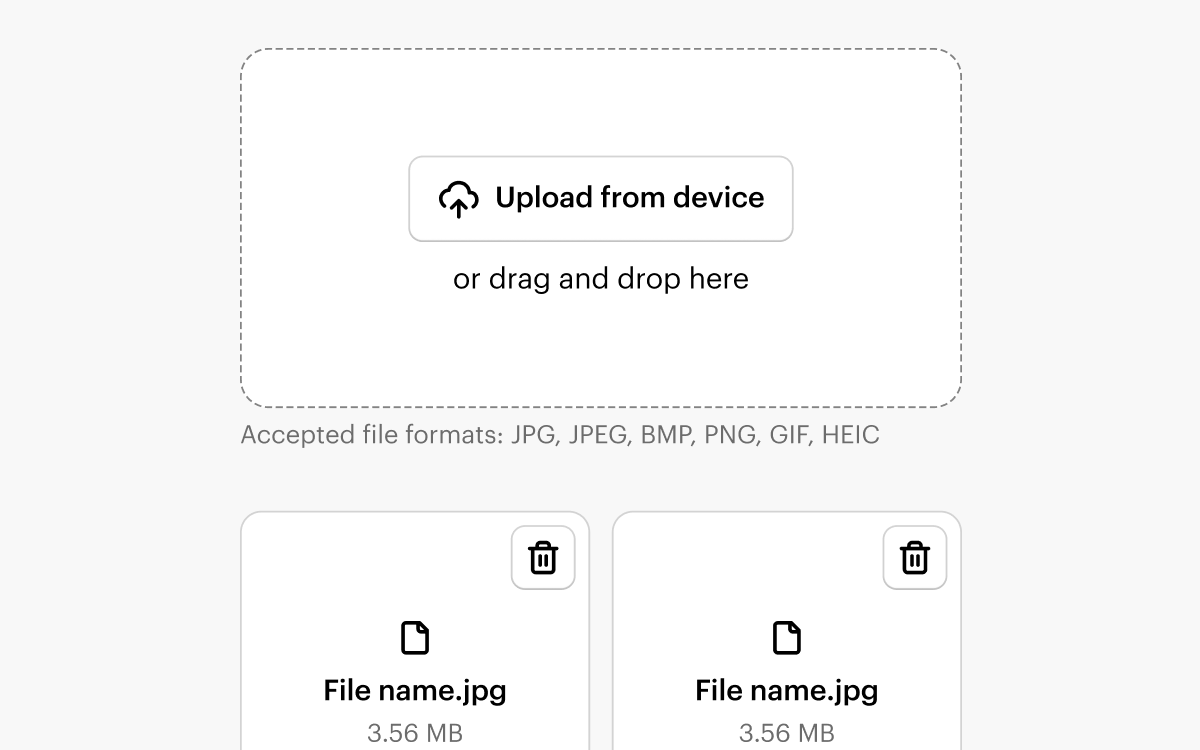
        The File Upload pattern ensures users are presented with a consistent UI regardless of the file types uploaded or the specific page navigated to.
        Communicating System Feedback

        Communicating System Feedback

        New
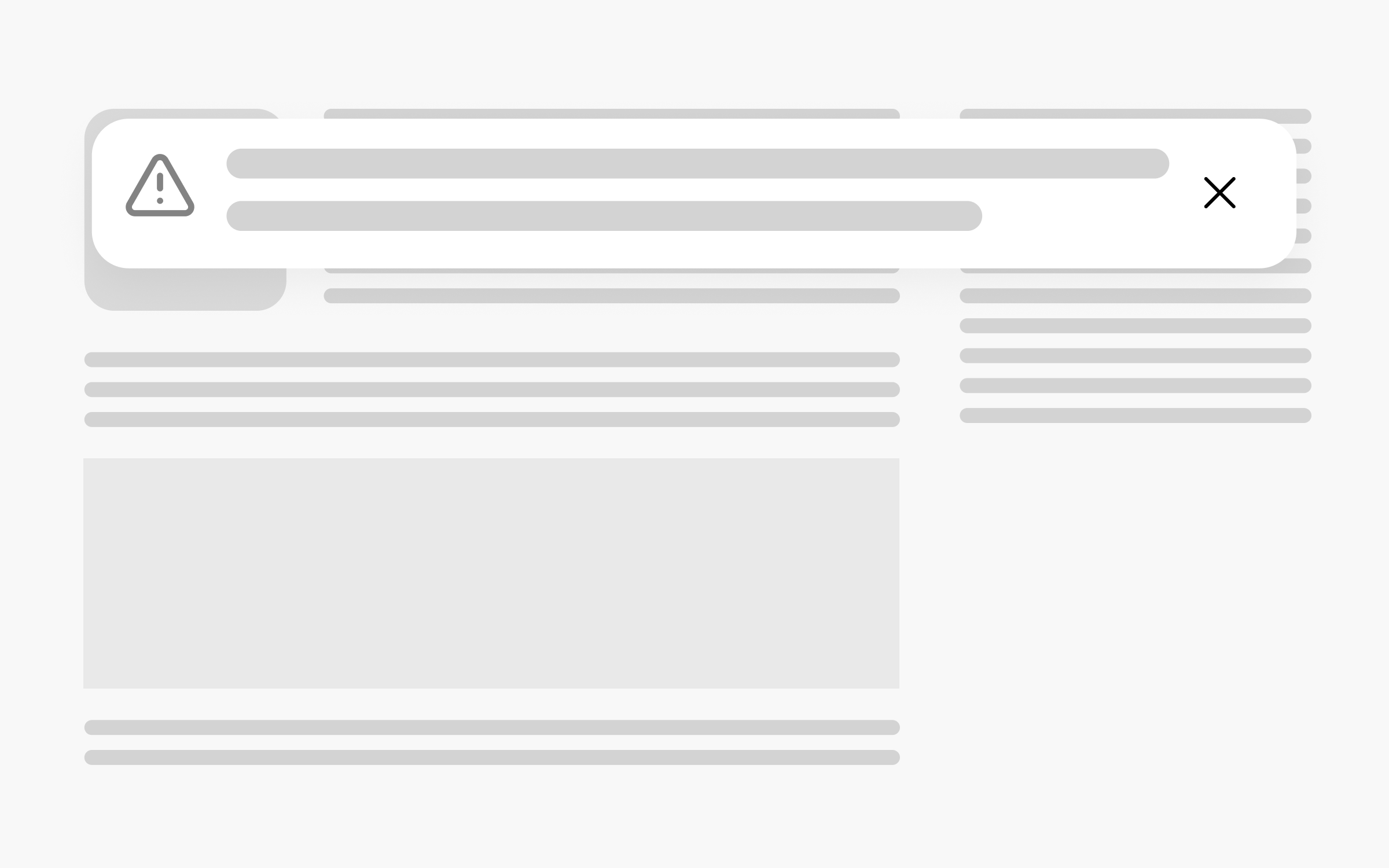
        Status Communication components help users understand and react to system feedback.
        Date & Time Pattern

        Date & Time

        New
        The Date & Time pattern ensures users are presented with a consistent UI regardless of the type of date they select or the specific page navigated to.
        Vista
        Terms of usePrivacy policyLegal notice